
Under the law, websites that use cookies other than those necessary for the site to function — where personal data processing may be involved — are required to implement a consent management system for the use of cookies and similar technologies that collect information about users.
This follows from the interpretation of European regulations and the 2020 guidelines of the European Data Protection Board. In December 2021, the first Polish company was fined by the data protection authority (UODO) for placing cookies without user consent.
Unlike the “cookie bar” used until now, whose installation meant simply pasting a few lines of code into the site, implementing a Consent Management Platform is considerably more complicated.
Think you’ve done it 100% right? You’re probably wrong. Here are the basic mistakes of cookie consent systems.
No consent management system at all
Many sites seem not to have heard yet that data protection authorities have started issuing fines for placing cookies without user consent, and still run the “old” cookie bar of the this site uses cookies [OK] variety.
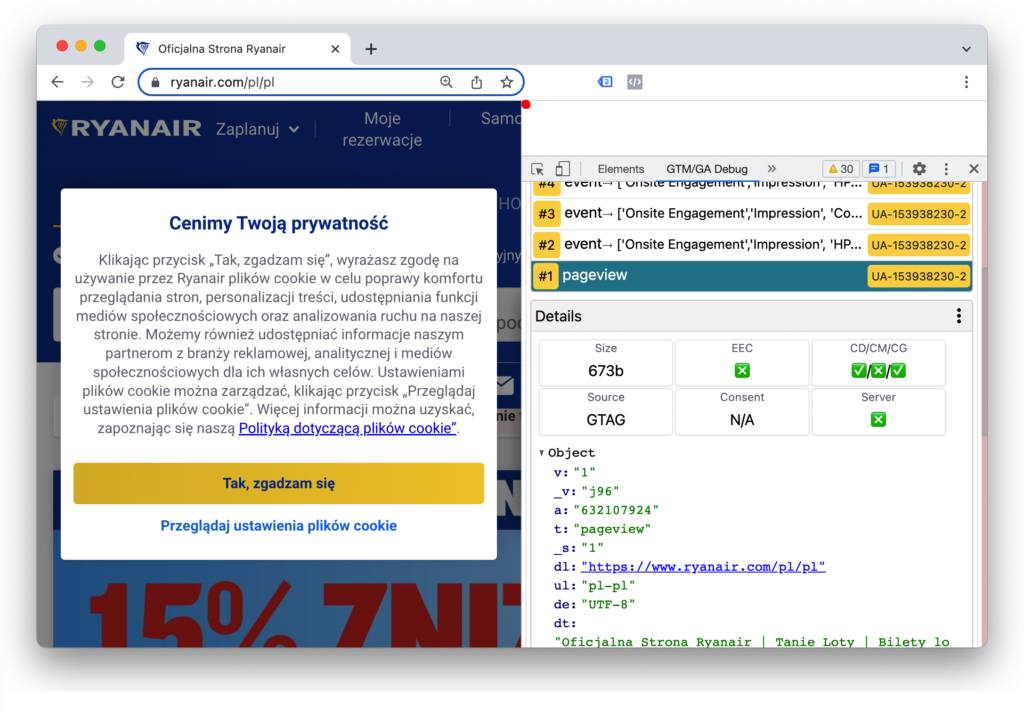
This solution is unlawful, because regardless of what the user clicks on that bar, cookies are placed on their device:

Incorrect layout of the consent widget
In most cases, it is accepted that cookie consent should be opt-in — i.e. no consent is assumed by default. Refusal itself should be easy to express. Without settling whether that means one click or two (settings -> refuse), it certainly cannot be many clicks. So if refusal happens after going into the settings, the toggles for the individual cookie categories must not be pre-selected, as below:

You cannot force the user to click through numerous buttons and options in order to refuse.
The widget must be clear and unambiguously worded. It must not manipulate the user, because that may mean the consent given is not informed — and therefore invalid.
Closing the widget without answering, or ignoring it, must be equivalent to refusal.
Note: this is a legal matter, so always consult your Data Protection Officer or a lawyer — because, as you know, “it depends”.
No way to withdraw consent
The user should be able to easily withdraw previously given consent. We can’t tell the user to “change their browser settings” or delete cookies. It must be just as easy as giving consent was.
One way to handle this is a consent management option in the site footer, or another button that re-opens the cookie consent widget:

Another solution is an “always on top” widget appearing in the bottom corner of the screen that lets users modify their preferences. Most consent management platforms provide this functionality.
This option shouldn’t be buried too deep — e.g. somewhere between the lines of a multi-page privacy policy — as that could be considered obstructing the withdrawal of consent.
Note: consult the specific solution with a lawyer.
The consent management system doesn’t do what the user asked
Some decided to comply — but unfortunately, installing consent management is not just a matter of buying consent management software and pasting it into the site.
A faulty implementation can mean that the consent widget is a dummy, because refusal is not respected. You decline cookies, yet you get them anyway.
Until consent is given, no cookies may be placed (opt-in consent). Even if tracking codes are blocked after refusal, it’s already too late — the cookie has landed on the user’s device, or the pixel has already sent data to Facebook.
Missing or incorrect consent mode implementation
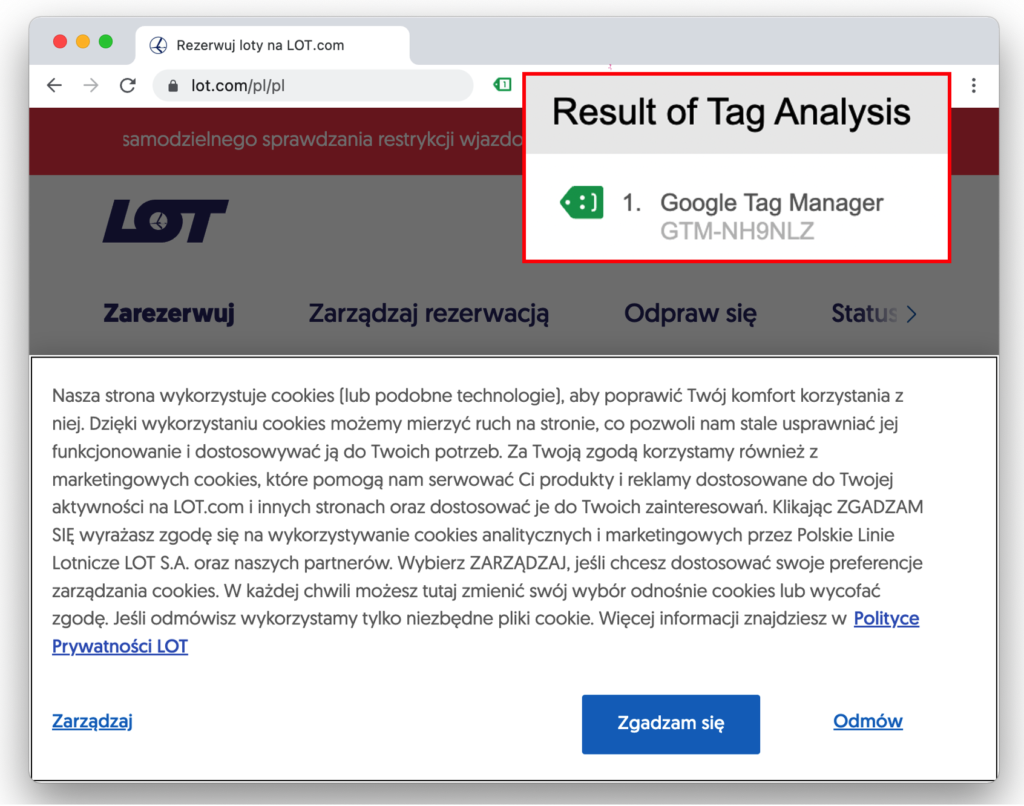
Even if everything is legally compliant, because the site really does block cookies until consent is given, that’s still not a correct implementation of consent mode (Google’s consent mechanism for Google Ads and Analytics).
When consent is refused, such sites needlessly block the Google tags instead of running them with the appropriate consent status — which preserves part of the data and enables its modeling:
As of March 2024, Google Ads advertisers are required to implement Consent Mode in order to use conversion tracking and remarketing in Google Ads.
After consent, trackers don’t update automatically
Giving consent should trigger the trackers to run in line with the consent given.
In many implementations, after consent is given the tracking codes only start or update once the page is reloaded. As a result, we may not see the correct landing pages, since it’s only the second page visited by the user that gets recorded.
In many cases, this error will also needlessly deprive the advertiser of a large part of their remarketing lists.
Note: re-triggering the tracking by forcing a page reload after consent is not a recommended solution.
Embedded content not handled
Embedded content, such as YouTube videos or social media posts (Facebook, Twitter, Instagram etc.), most likely transmits data and uses cookies. We often forget to handle it properly and block its display when consent hasn’t been given, showing an appropriate message instead:
More information about consent management for embedded content — here.
What does a correct implementation look like?
A correct consent management implementation:
- lets the user easily consent to cookies
- lack of consent is respected, in line with the user’s preferences
- until consent is given, the user is treated as if they had refused (no cookies are placed)
- the user must be able to consent to some cookies (e.g. personalization) and not others (e.g. advertising)
- giving consent triggers the trackers without any further action needed
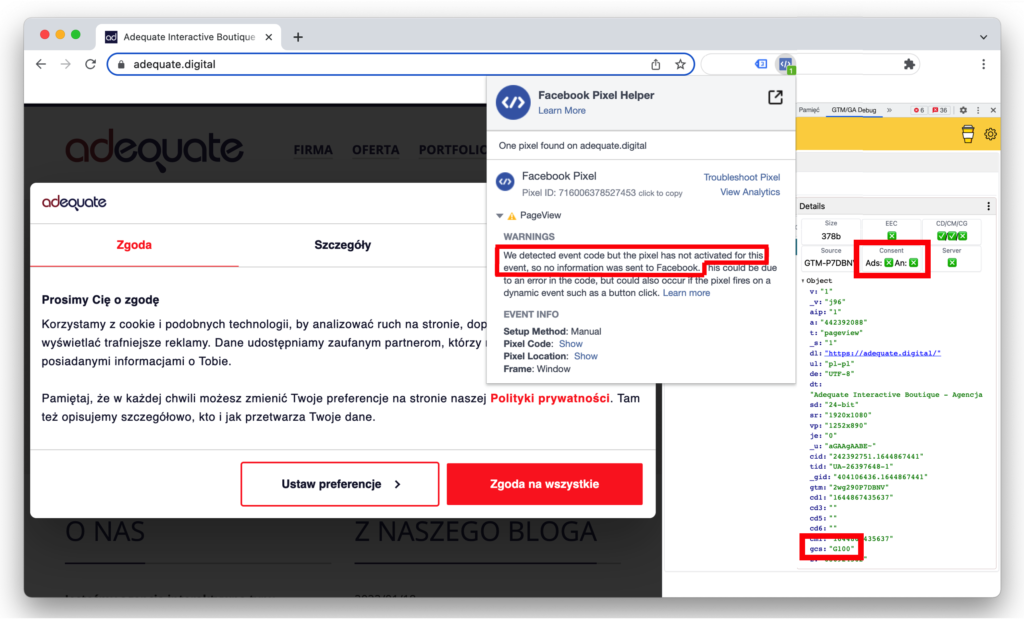
- tracking codes that support consent mode (e.g. Google tags) always run, but with the appropriate consent status:
Need support implementing consent management? Get in touch with us.
